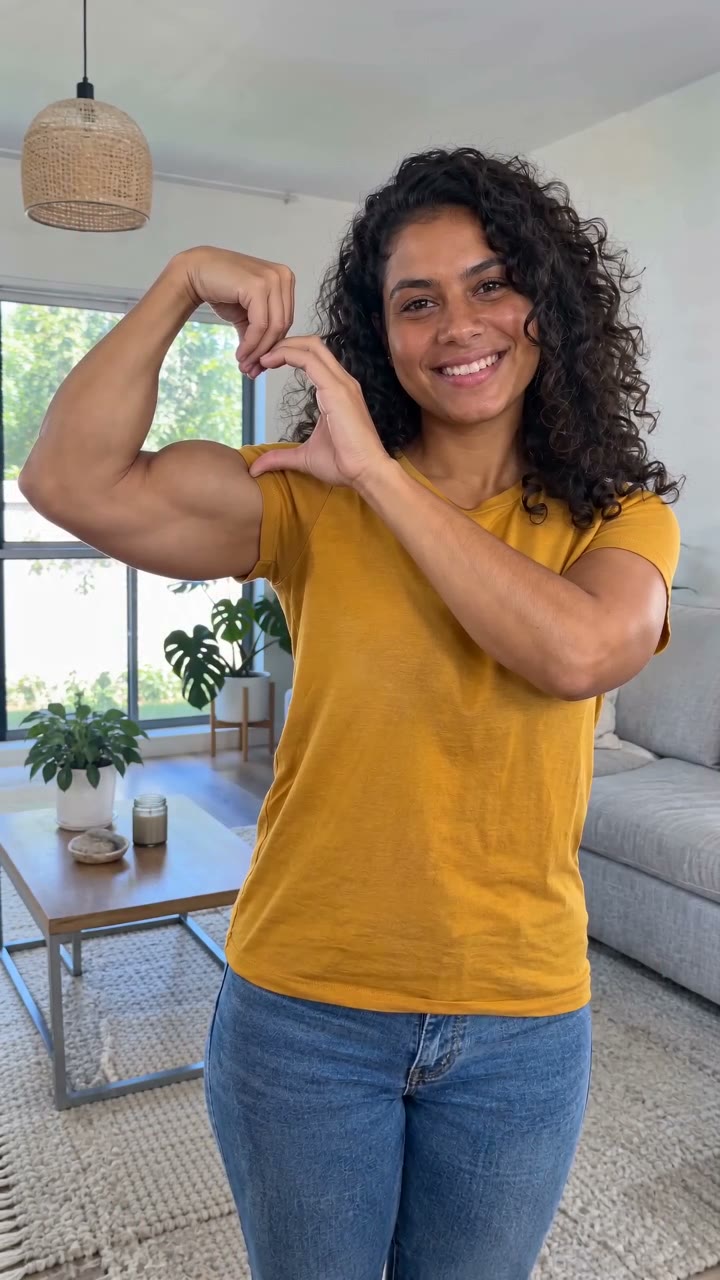
Bicep Heart guide
How to Make a Bicep Heart AI Video
Choose Solo, Duo or Pet, upload a photo for every role, select quality and generate once. Review the heart gesture in your saved result before downloading the MP4.
Make my Bicep Heart videoThe studio is open Sign in, prepare your portraits and use 10 credits to create a video. References show the intended effect; your completed result appears in your saved task.
1. Choose Solo, Duo or Pet
Open the generator and play the motion reference. Solo accepts one adult portrait. Duo has separate Left person and Right person uploads. Pet accepts one photo of your animal.
2. Upload clear photos
Use JPG, PNG or WebP up to 10 MB each. Show each human face and both arms; for a pet, include the front legs and recognizable markings. Duo does not require a shared photo.
Check the ready counter: one of one for Solo or Pet, two of two for Duo. Replace a photo if it is in the wrong role.
3. Choose quality and sign in
Select Draft at 480p or Standard at 720p. Both target a 10-second vertical video with sound. Confirm your photo rights and sign in. Each request uses 10 credits.
One-time packs cover 1 video for $9.90, 3 for $24.99 or 10 for $69.99. Credits last 180 days. Check your updated balance after payment.
4. Submit once and follow the task
The app prepares your photos and saves a task. You can stay on the page or return to the same account. Do not submit another request simply because a provider confirmation is delayed.
No fixed generation-time benchmark is claimed. Reference length is not processing time.
5. Review and download
Check the face or pet markings first. Then watch the arms or paws through the entire motion. In Duo, each person should remain in the selected position and form their own heart. Download the completed MP4 from the result panel.
Hands, paws and failed tasks
A malformed heart: try a clearer photo with visible arms, less foreshortening and no hand obstruction. A drifting identity: avoid distant faces or heavy filters. A pet with human features: use one animal only, clearly framed.
Confirmed failed tasks restore reserved credits. A completed but imperfect clip is not a failed task; making another is a separate request. For an unresolved task or payment issue, use account support with its reference.
Music and sharing
Output includes generated sound, not a guaranteed copy of the source song. For a particular track, download the MP4, mute or reduce its audio in an editor, and add music you are permitted to use.
Reference previews are labeled separately from your result. This guide does not claim a measured success rate or present references as newly generated outputs.
Sources & further viewing
Use these links for reference material or the related guide.
Ready to make your Bicep Heart video?
Choose Solo, Duo or Pet and upload the photos required for each role.
Make my Bicep Heart video