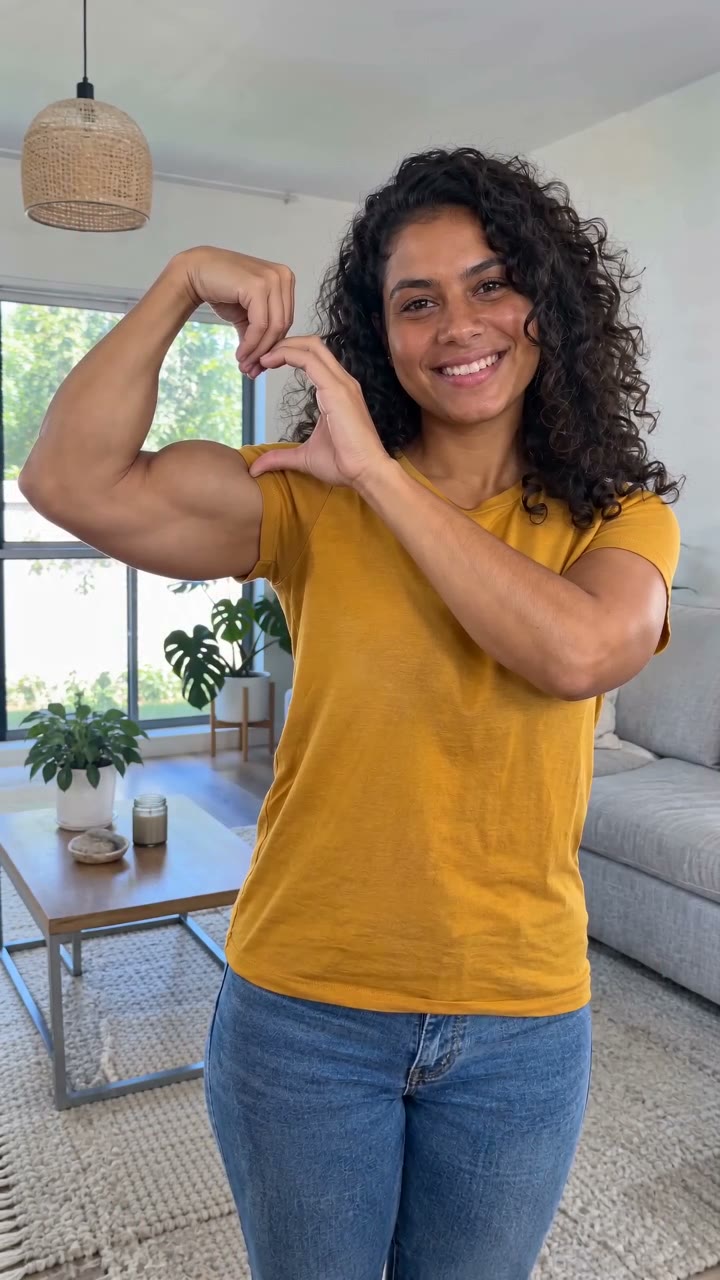
Couple Bicep Heart
Make a Couple Bicep Heart AI Video
Two people, two individual hearts. Upload one portrait for the person on the left and another for the person on the right. Each performs the arm-heart gesture independently in the same vertical video.
Make my Bicep Heart videoThe studio is open Sign in, prepare your portraits and use 10 credits to create a video. References show the intended effect; your completed result appears in your saved task.
See the two-person Bicep Heart movement
In this AI-generated sample, a green-shirt performer stands on the left and a lavender-shirt performer stands on the right. Both begin relaxed, raise an arm, then meet their own fingertips above the bicep. They each make a complete heart; they do not combine hands to make one shared heart.
The sample is approximately five seconds long. Your requested output is ten seconds, giving the gesture and final hold more room. The sample demonstrates movement and framing. Your two uploaded portraits supply the left and right identities; a separate pose image guides each person’s gesture in the generated video.
One upload for the left person, one for the right
Select Couple in the studio. The Left person slot maps to the left side of the finished video as you view it. The Right person slot maps to the right side. These are screen positions, not a person’s left or right arm.
Use a separate photo containing one adult in each slot. You do not need a shared couple photo. Before generating, compare the two thumbnails and replace either photo if you assigned the wrong position.
- Left person: upload the first adult’s portrait.
- Right person: upload the second adult’s portrait.
- Check that the counter shows 2 of 2 photos ready.
Photos that leave room for two hearts
Choose a clear front-facing or gently angled portrait, ideally framed from the face through the waist. Keep both shoulders and arms visible. Short sleeves and an uncluttered background help the arm silhouette read clearly.
Similar camera heights and lighting make the two people easier to place together. Avoid very distant faces, crossed arms, sunglasses that hide the eyes, extreme filters or photos containing several people. You can use two photos taken in different places.
Create, review and download your couple video
Confirm permission to use both portraits, sign in and generate once. The studio requests a 10-second, 9:16 video as an HD MP4 and uses 10 credits. Follow the saved task, then download its completed MP4.
Review each face, the left/right placement and both hand shapes through the movement. Hands and identity details can vary in generative video. If the identities appear reversed, check the original slot assignments before deciding whether to make another request. A new render is a separate generation.
Couple template questions
Can two friends use it? Yes. Couple describes the two-person layout; the two adults do not have to be romantic partners. This template supports exactly two people, not a larger group.
Does it include the original meme song? The original recording is not included. Add music you are permitted to use after downloading if you want a specific track.
Does the sample guarantee the same result from any photo? No. It demonstrates the intended composition and gesture. Your generated result depends on photo clarity, framing and model output.
Sources & further viewing
Use these links for reference material or the related guide.
Ready to make your Bicep Heart video?
Choose Solo, Duo or Pet and upload the photos required for each role.
Make my Bicep Heart video