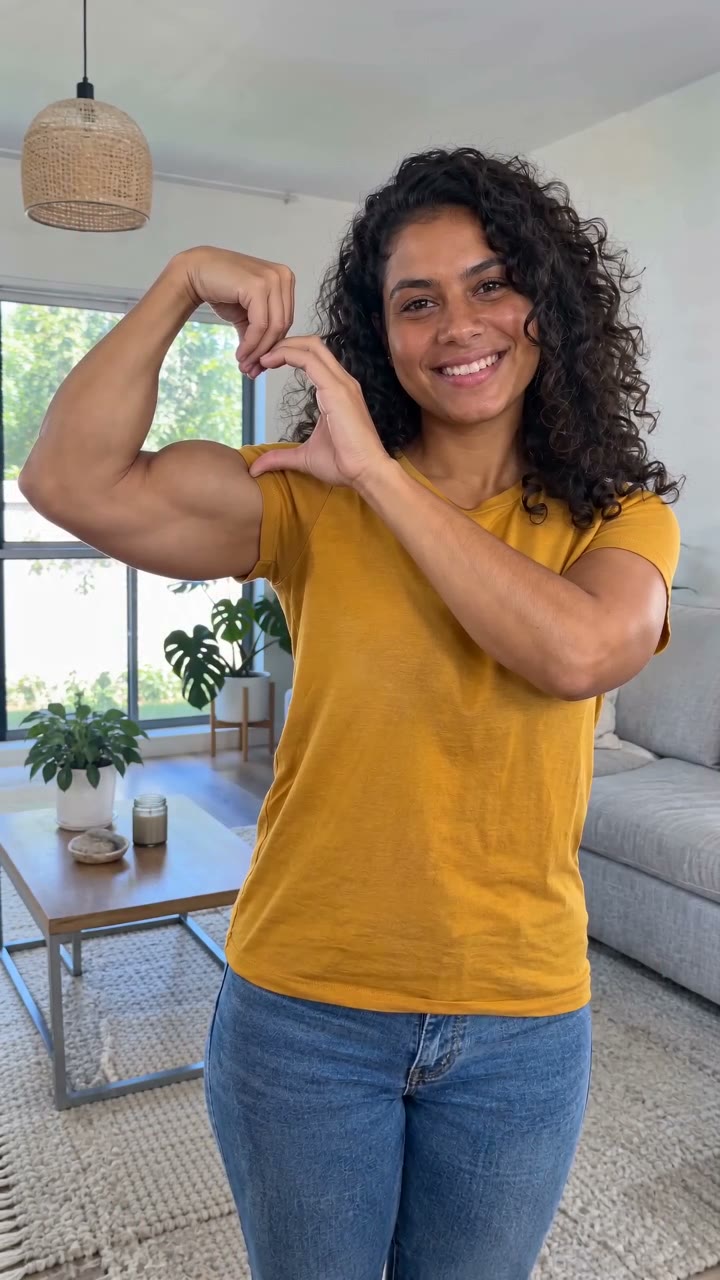
Pet Bicep Heart
Make a Pet Bicep Heart AI Video
Give your pet the Bicep Heart treatment: two furry front paws curl together to outline a heart beside the face. Start with one clear pet photo and use the Pet template for this deliberately playful animation.
Make my Bicep Heart videoThe studio is open Sign in, prepare your portraits and use 10 credits to create a video. References show the intended effect; your completed result appears in your saved task.
Watch the husky paw-heart sample
The black-and-white husky starts seated with its front paws down, lifts both front legs and touches its paws to complete the heart opening. Its blue eyes and recognizable coat remain visible as it holds the pose.
This is our approximately five-second AI-generated sample. The pose deliberately gives the front legs an expressive, human-like bend while keeping furry paws. It is an animated meme, not a depiction of natural canine movement. Your requested video is ten seconds.
Choose one clear photo of your pet
Upload one animal in the Your pet slot. Keep its face, chest and both front legs visible, with room around the shoulders. A seated, front-facing photo gives the reference movement a useful starting point.
Sharp fur markings, visible ears and a well-lit face help distinguish your pet from the husky sample. Avoid a distant animal, a close crop of the face alone, a pet hidden under a blanket or a photo with several animals. JPG, PNG and WebP uploads are supported up to 10 MB.
Dogs, cats and recognizable details
The Pet instructions preserve the uploaded animal’s species, muzzle, ears, coat pattern and tail, using the reference for movement rather than its husky identity. Dog and cat photos can be submitted; different body shapes can produce different paw silhouettes.
The visible sample demonstrates a husky. It does not establish a measured success rate for cats or every breed. For animals with very different anatomy, this front-leg gesture may be less suitable. The intended result retains animal paws instead of adding human fingers.
Generate your pet’s Bicep Heart video
Open Pet, check your uploaded thumbnail, check the 10-second vertical HD format, confirm photo permission and sign in. A request uses 10 credits and targets a ten-second vertical HD MP4. Submit once and follow the saved task.
When the result is ready, watch the whole clip. Check the pet’s identity, the number and connection of its legs, and whether both paws finish the heart. Download the MP4 from the result panel after reviewing it.
If the paws or markings look wrong
A wave instead of a heart: check that you selected Pet and watched the two-paw reference. A body that is hard to read: choose a seated image with both front legs unobstructed. Lost markings: use a sharper, evenly lit photo without a strong filter.
A completed clip can still contain imperfect anatomy. Confirmed failed tasks restore the reserved credits; a completed but imperfect clip is a different case. Use account support with the task reference if you need help reviewing an unresolved generation.
Sound and sharing
The original meme song is not included. You can add a permitted soundtrack in your editor after downloading.
Share the clip as an AI animation. Keep a local copy of the result you want to retain, and use account support for requests to delete uploaded photos or saved results.
Sources & further viewing
Use these links for reference material or the related guide.
Ready to make your Bicep Heart video?
Choose Solo, Duo or Pet and upload the photos required for each role.
Make my Bicep Heart video